Project Management
View all of your projects in one place from the project management page. To get there, click your avatar in the bottom left of the platform, then click ‘Organization Settings’, then ‘Projects’

You can also get to the projects page by clicking ‘View all projects’ from the home page.

On the projects page, you can see all the projects that have been created, regardless of what status they are in.
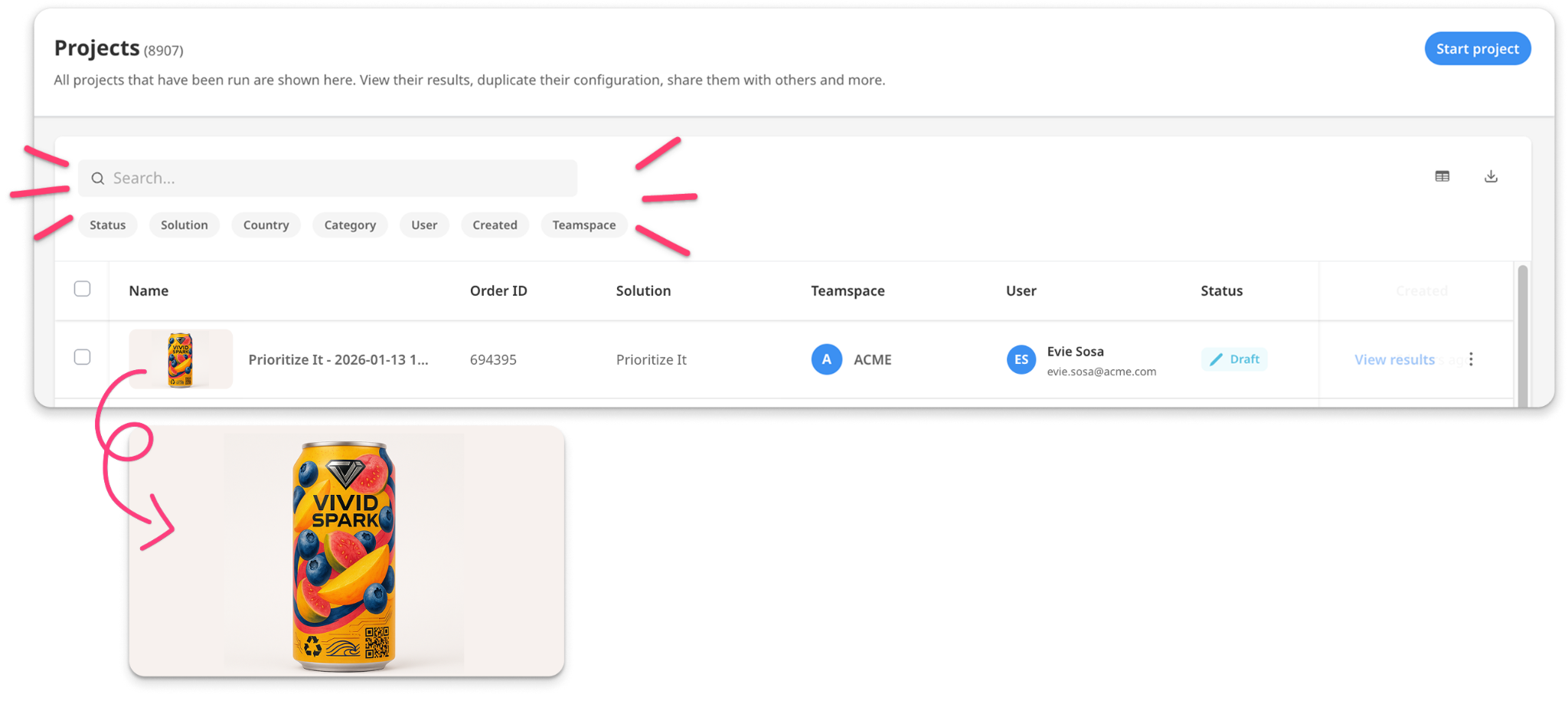
- Search keywords to find a specific project, or filter using the options below the search bar. Click on the thumbnail to view the associated stim.
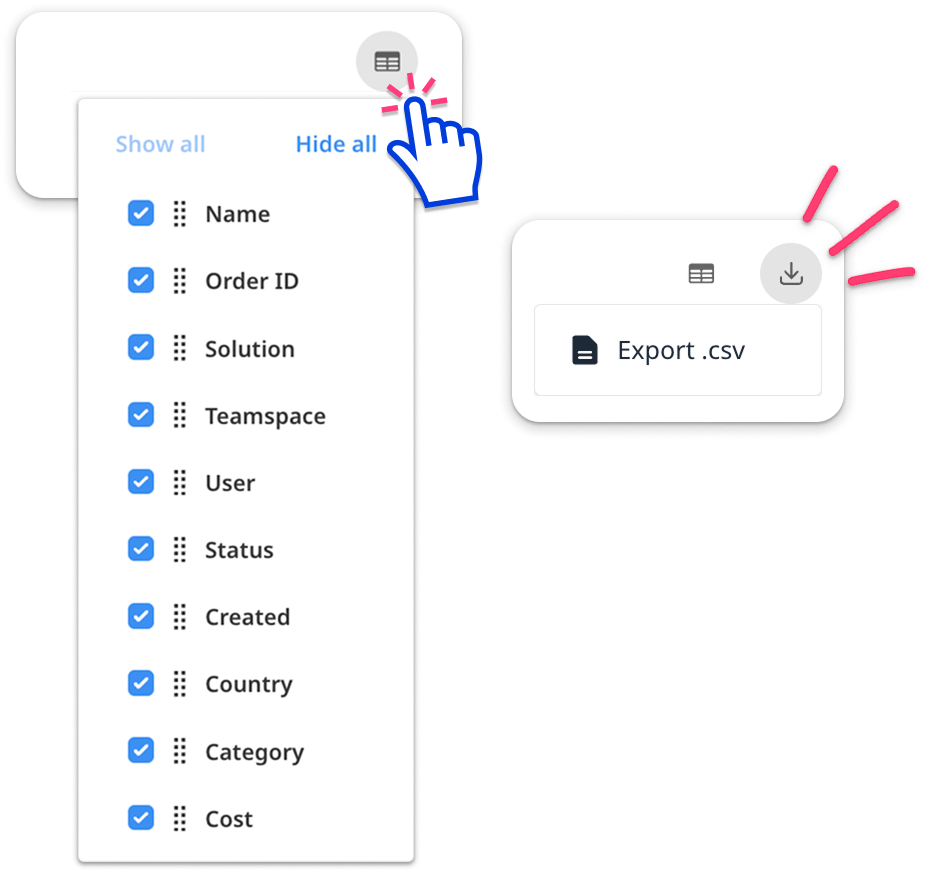
- Click the grid button to customize your view by adding or removing columns and reordering them. If you want to export the current list to .csv, click the download button at the top right.
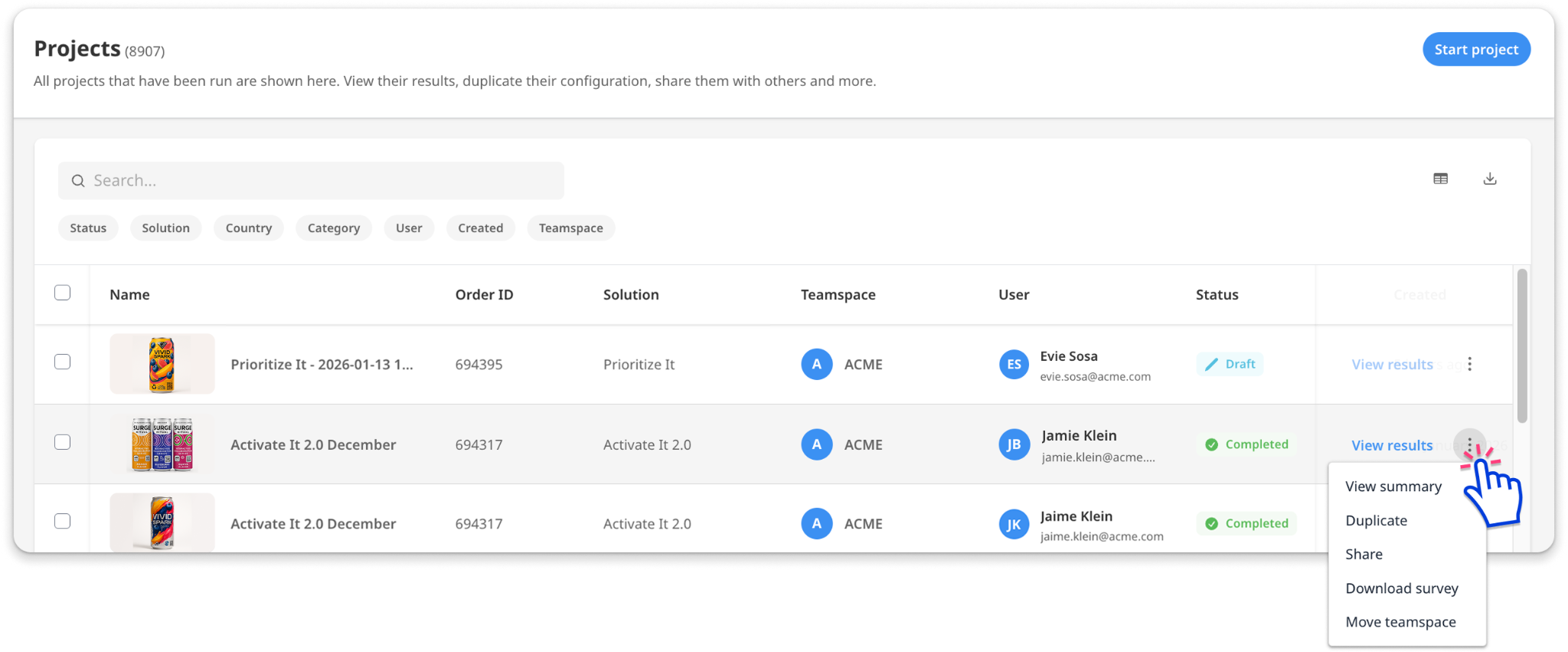
Click the 3 dot menu on the right for additional options:
- View Summary - Shows a quick overview of the project configuration.
- Duplicate the project. This creates a new project, ready for launch. Make changes as needed before launching.
- Share with others in your organization
- Download a PDF of the original survey
- Move the project to a different teamspace
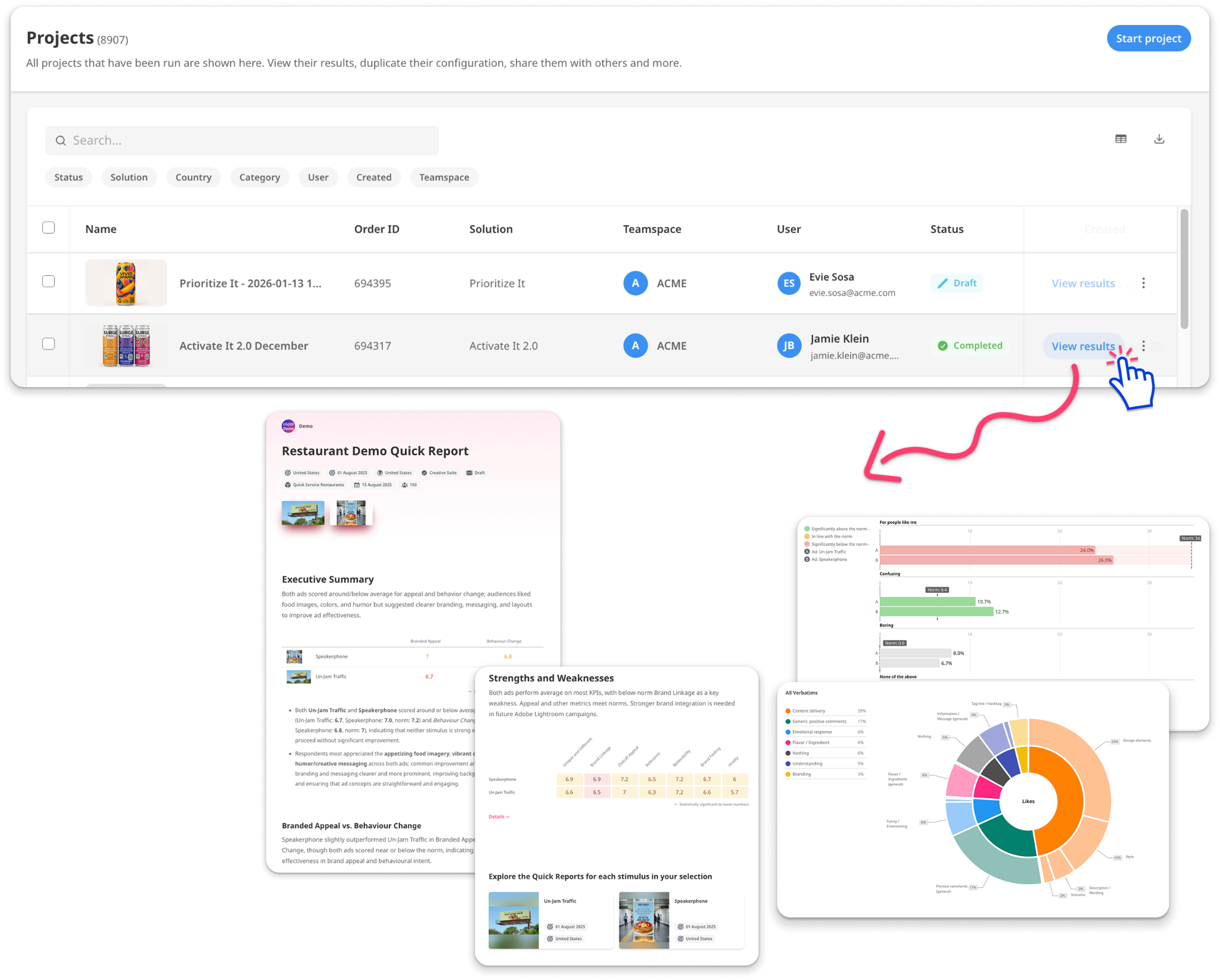
Click ‘View Results’ to go to that project’s Quick Report or Chart page.