Interactive AI Concept Optimization | Guide
Accessing the Interactive AI Concept Optimizer
Activate It AI generated concept revisions are currently available for Activate It Early, and Activate it 2.0 FMCG & QSR concepts as part of the free open Beta.
Click the button in the top right and choose the Interactive Concept Optimizer or generate a revised PDF.

Or choose the ‘Revise Concept’ option from your concept tile:

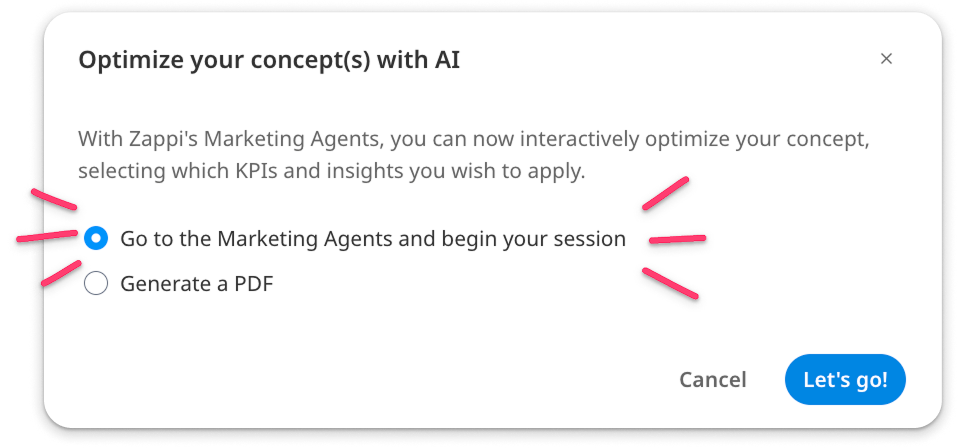
After a moment, your concept will open a new session with the Zappi Marketing Agents. Your original concept and visualization are used as the baseline, along with the data that was gathered from your survey to begin iterating.
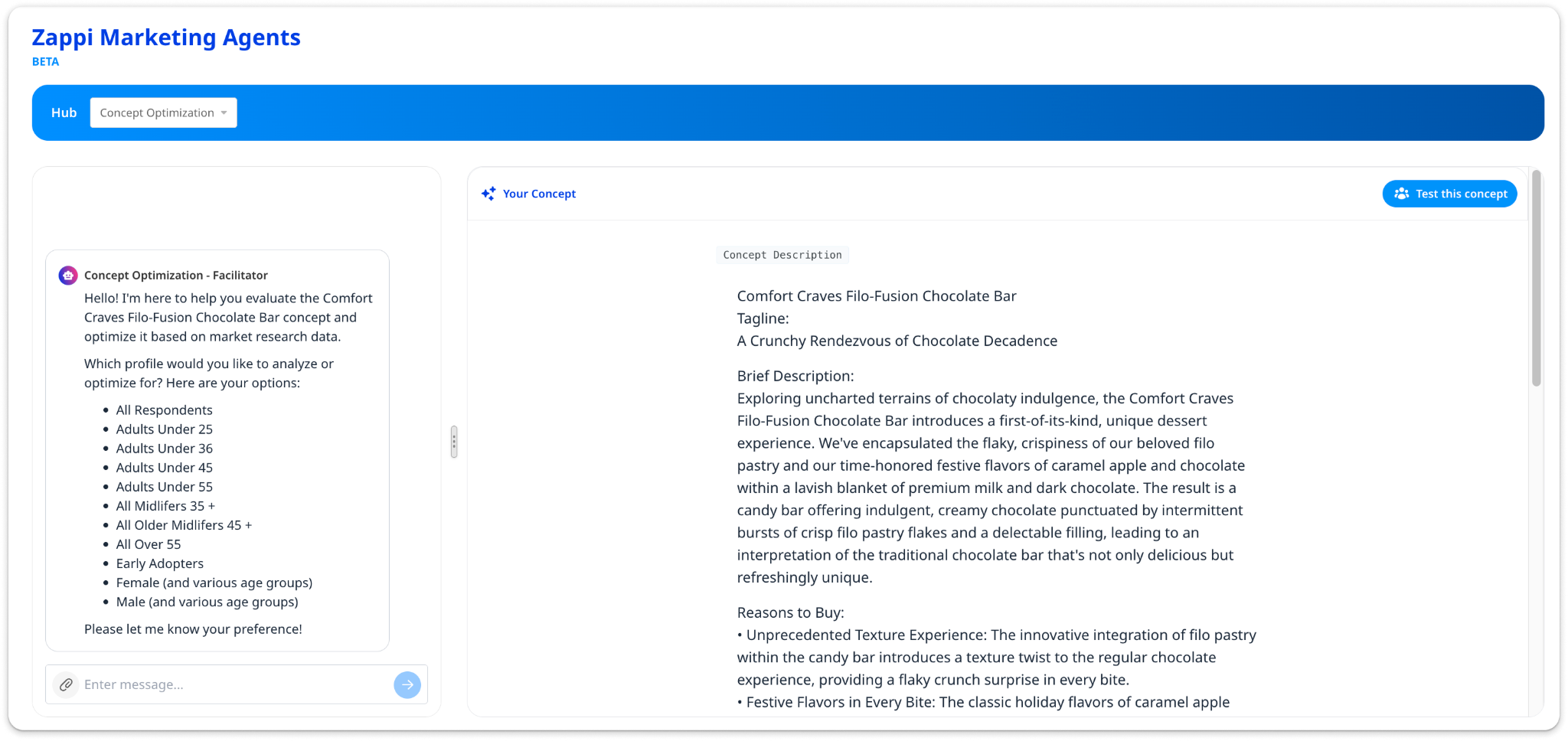
Iterating on your concept
To get started on iterating, let the facilitator agent know what profile or profiles you want to focus on. Please choose one of the provided options as the agents will not have access to any custom profiles you may have used in other testing.
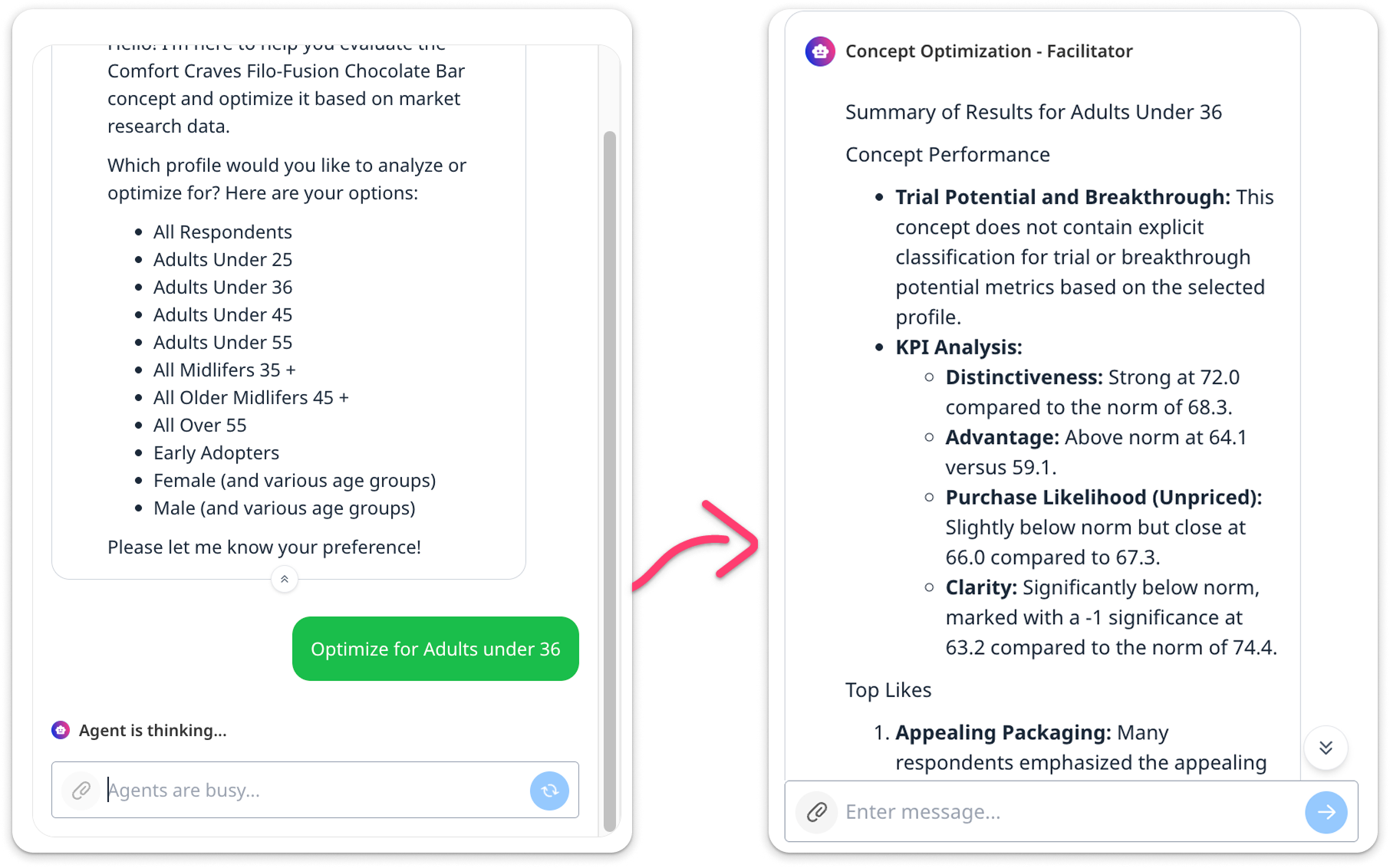
The Facilitator agent surfaces all of the key details related to the concept’s performance with the selected profile. It summarizes the data and provides a suggestion of next steps to iterate and make the biggest impact. This is where you can get really creative and iterate as many times as you want.
Note: Trial Potential and Breakthrough Potential are only available for the All Respondents profile. Granular profiles do not include this data, which is consistent with the current reporting experience.
How to Iterate effectively
Below are a few examples of paths you can take with your iterations. Chat with the facilitator to guide the process in any way you like.
Allow the Facilitator to guide the optimization.
The agent suggests themes, you pick which ones to address. If you want to interrupt the agents, click the blue 'Cancel' button. You can re-prompt, or tell the agent to continue where it left off.

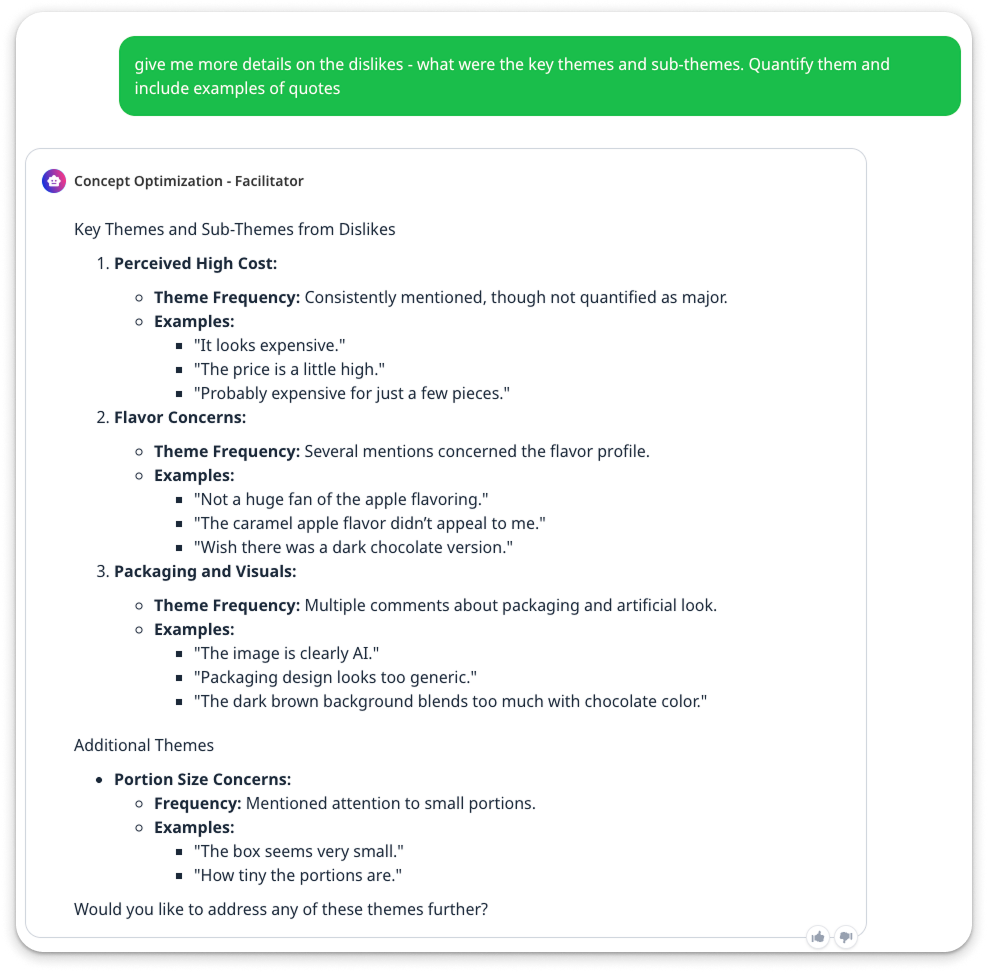
Dig deeper into your customer feedback.
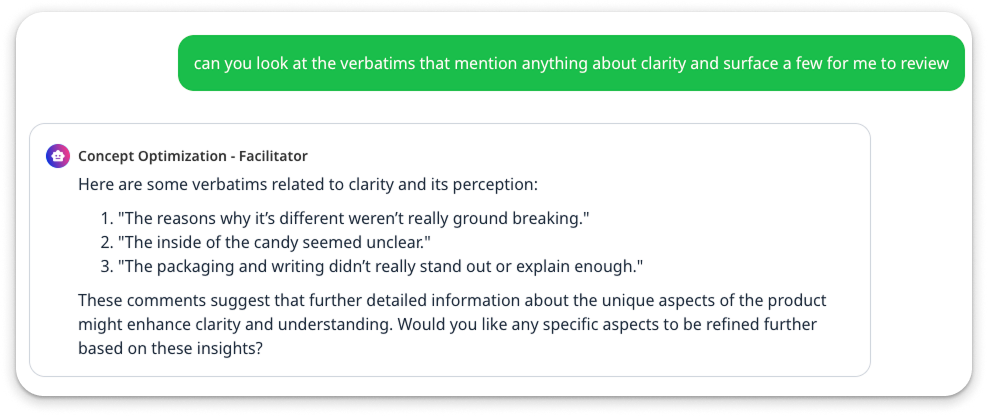
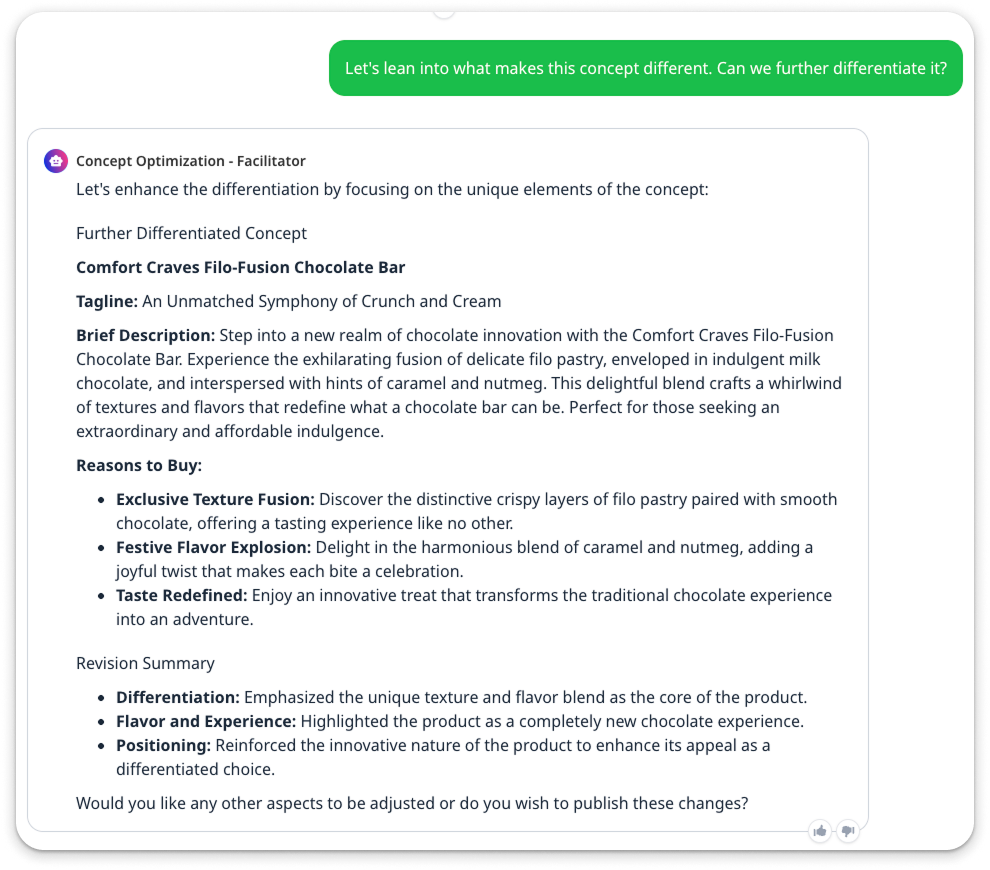
You can ask the facilitator to dive deeper into any open-ended responses, surface themes, pull specific examples, or analyze the verbatim data in any way that helps you get the most out of your results.
| Prompt | Result |
|---|---|
| Give me more details on the dislikes. What were the key themes and sub-themes. Quantify them and include examples of quotes. |
|
| Look at the verbatims that mention anything about clarity and surface a few for me to review. |
|
| Let's lean into what makes this concept different. Can we further differentiate it? |
|
Iterate on the visuals.
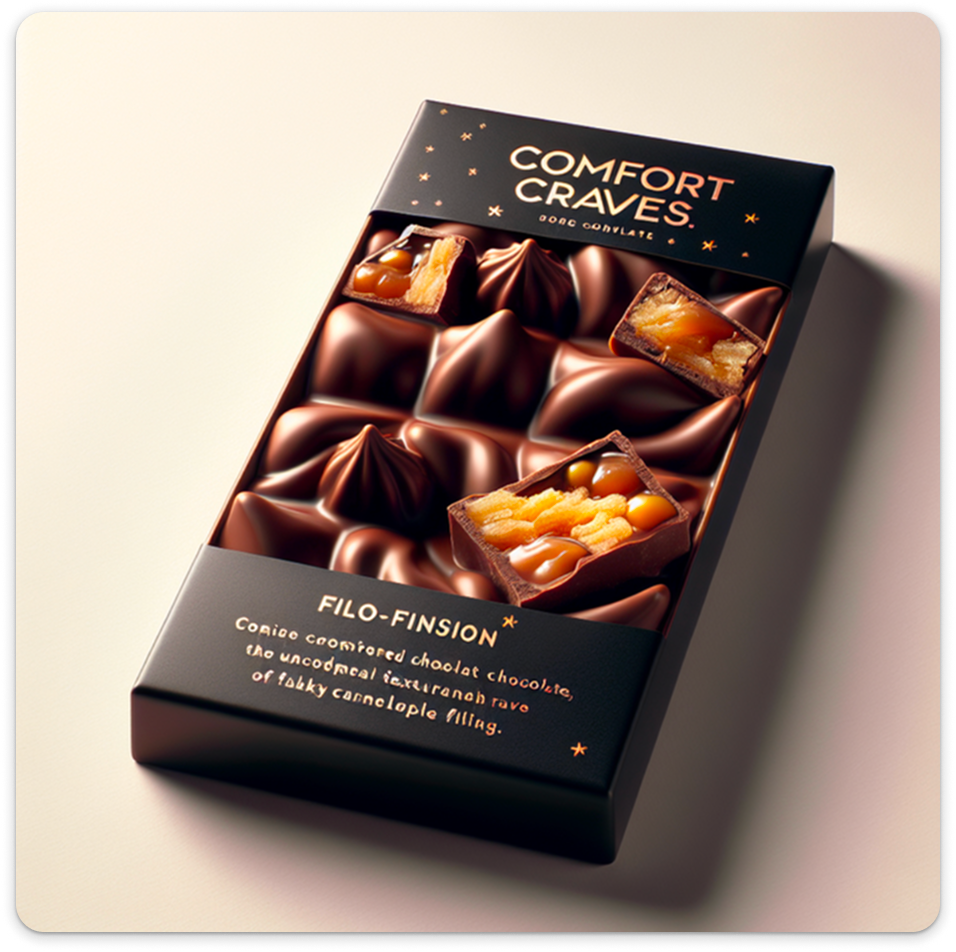
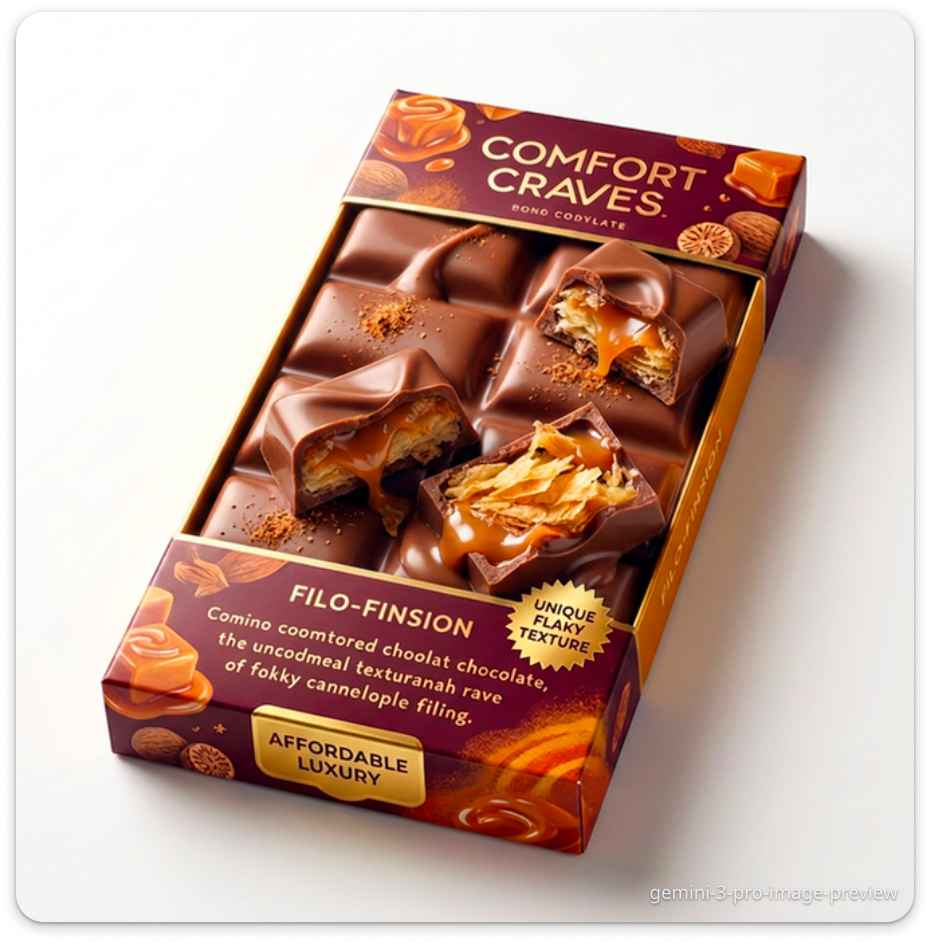
Pick what you like, what you want to change, and ask the facilitator to re-generate the image.
| Prompt | Result |
|---|---|
| Original |
|
| “Please update the packaging according to the new flavor profile and cost." |
|
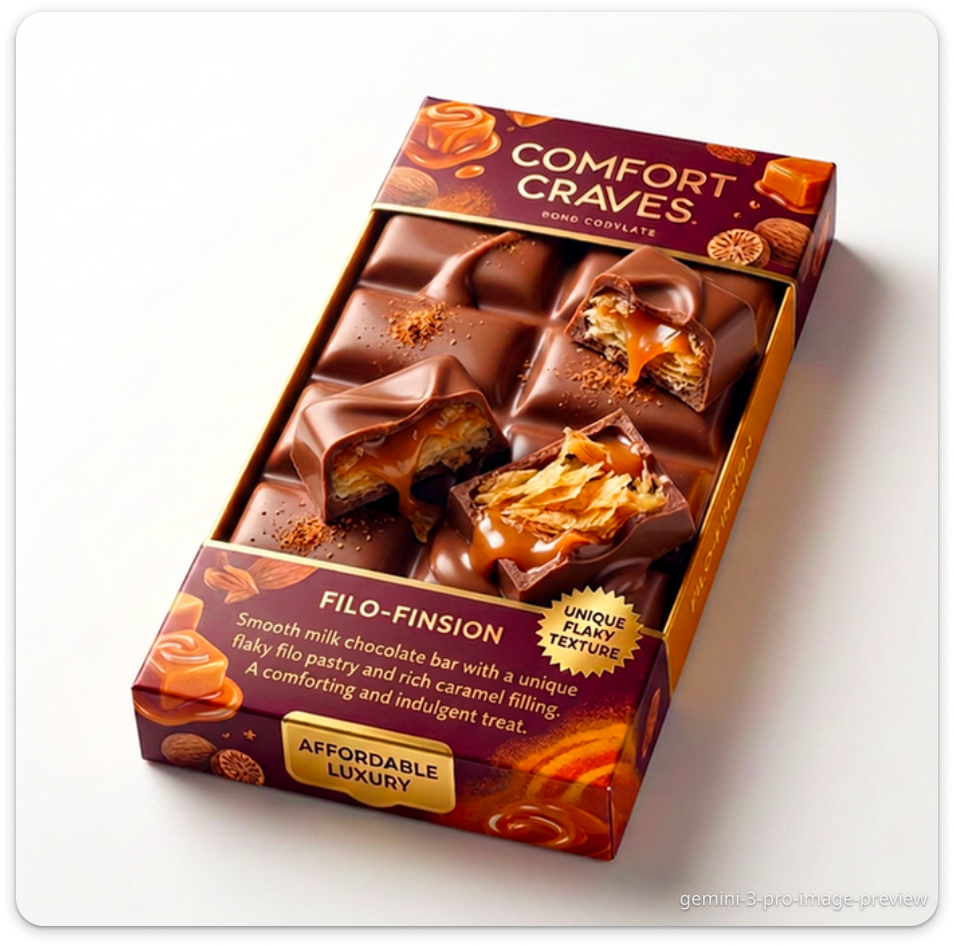
| “Can you create a completely new visualization based on this updated written concept? The product itself, the chocolate bar part, still looks too ai-generated. I would like a completely fresh take on it.” |
|
| “The smallest text on the packaging is still unintelligible. Can you either replace it with actual english text or just remove it entirely?” |
|

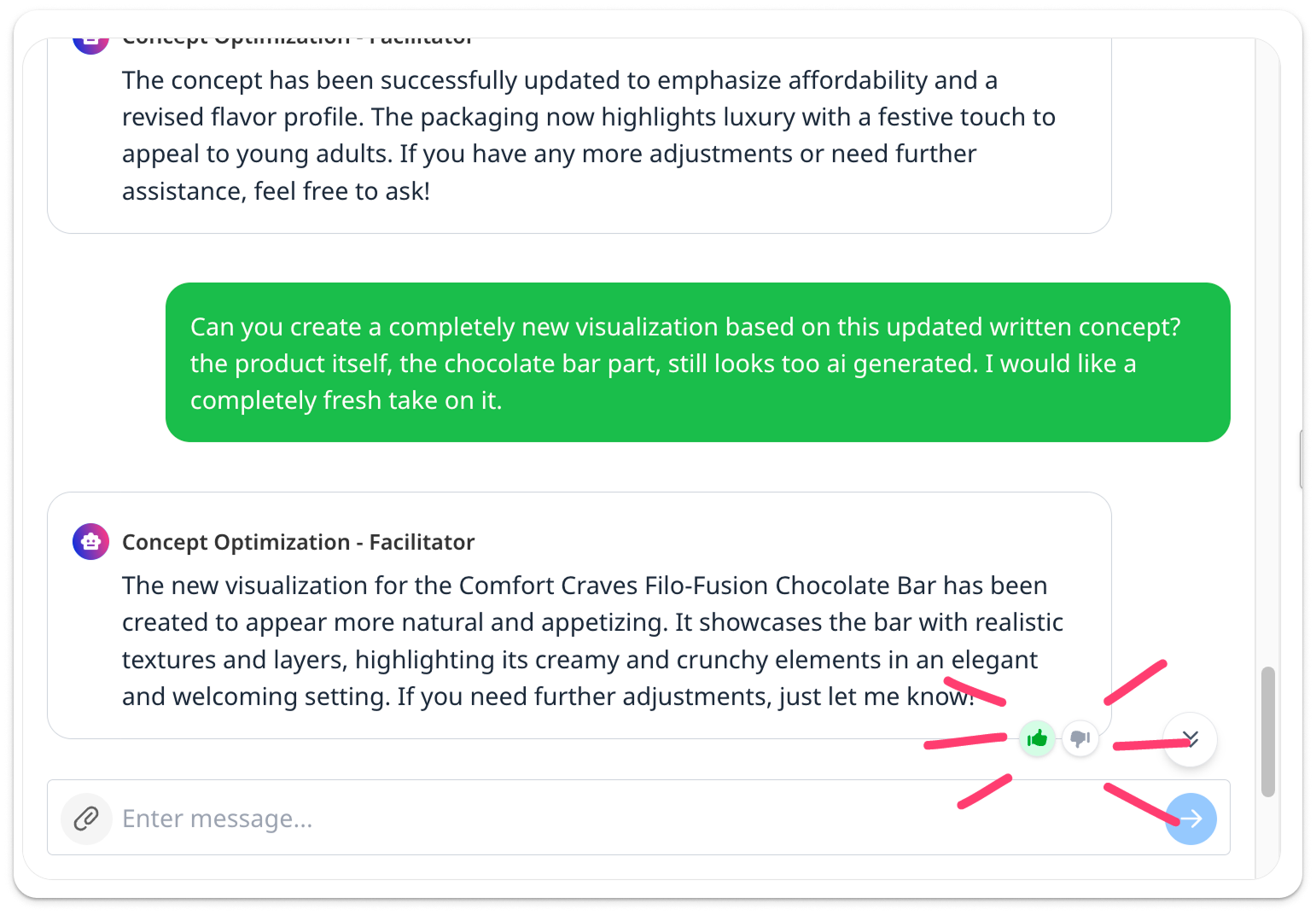
As you work with the agent, you can give feedback on the responses by clicking the thumbs up or down. This helps us to continue improving our agents.
Exporting and re-testing
Once you are happy with your new concept, you can immediately set up a new project to test it with consumers.
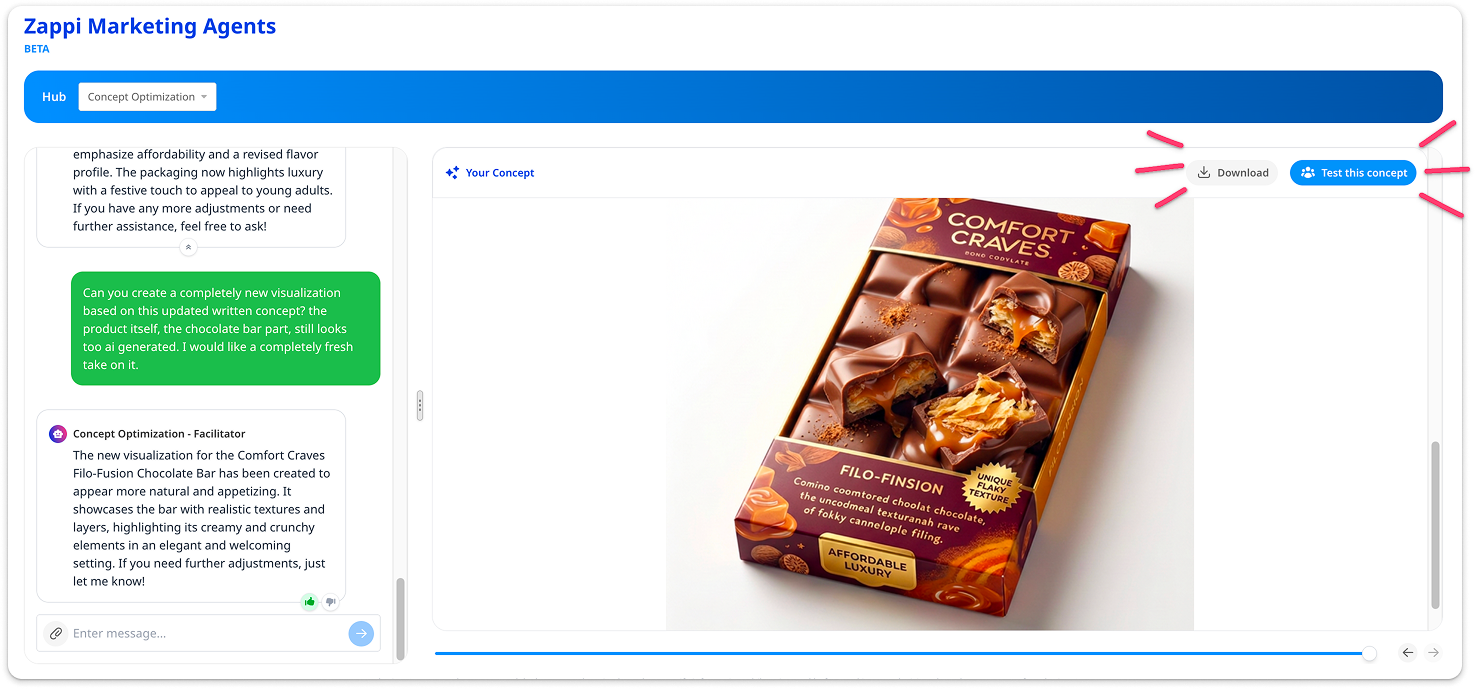
Click ‘Test this concept’ to start a new project. This final concept will be populated for quick and easy configuration.
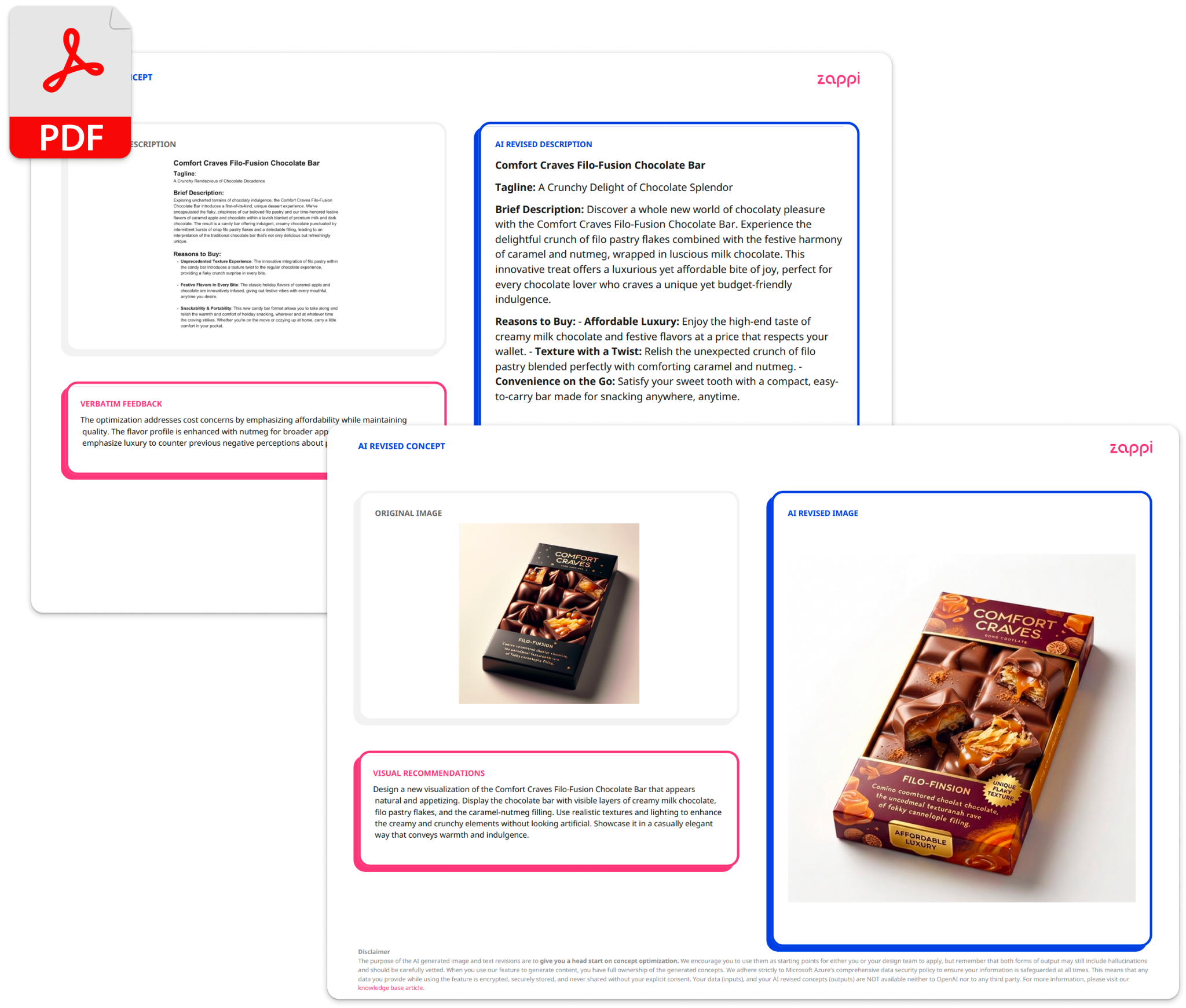
You can also download the new concept as a PDF that includes the original concept, new concept, and the recommendations for optimization.
Interactive Concept OptimizationAI Demo Video